

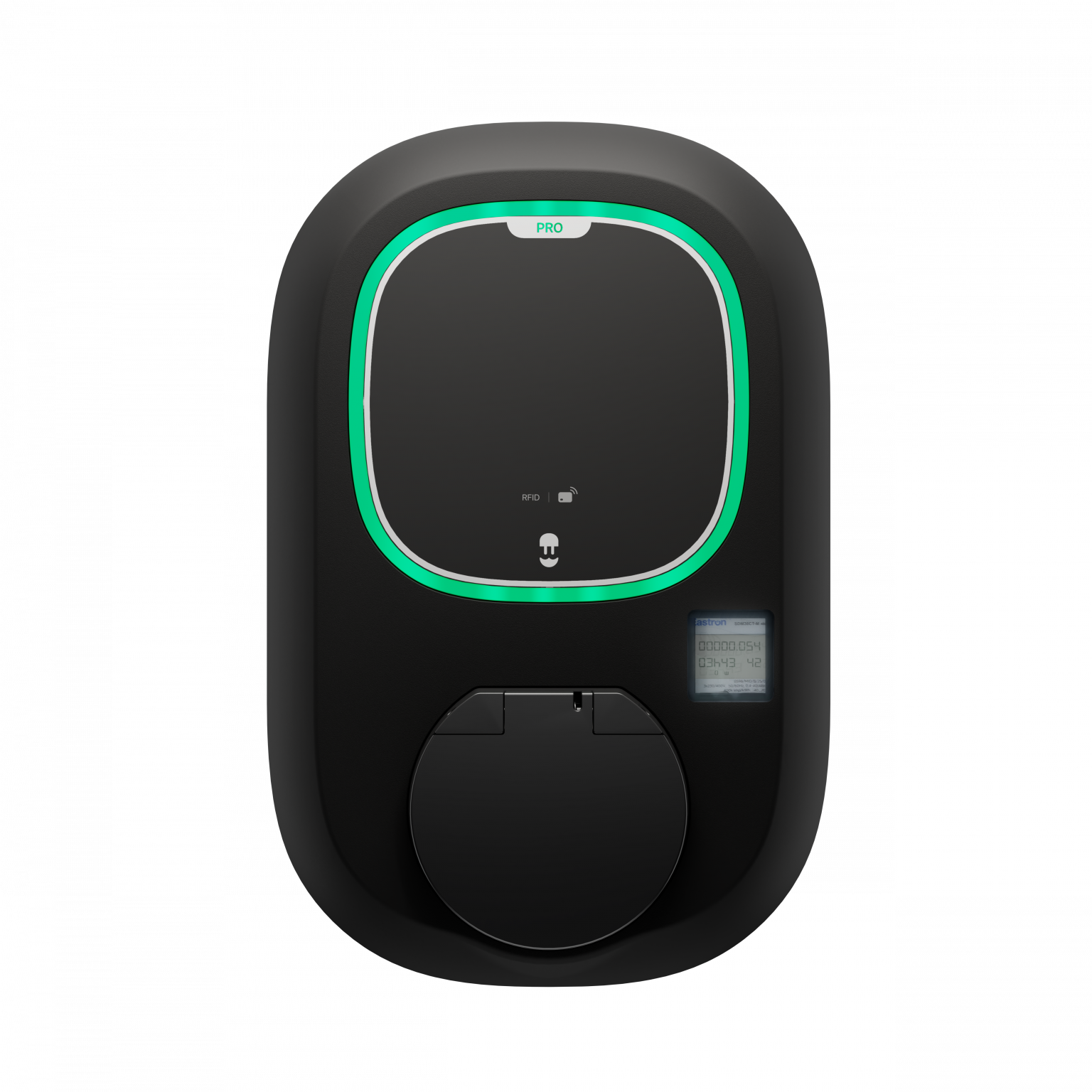
Pulsar Pro 2026
Product Overview
Pulsar Pro 2026 is designed for residential spaces, workplaces, fleets, and apartments, offering powerful charging with complete regulatory peace of mind.
- AFIR & ISO 15118 Ready: Features an integrated PLC module to ensure seamless regulatory compliance and full readiness for the future of smart charging.
- Integrated MID Meter: Certified energy measurement built right in, ensuring accurate, legally compliant billing and effortless expense tracking.
- Secure & Durable: Effortless access control via RFID or app, protected by a rugged, weatherproof IP55-rated housing.
- Connected & Smart: Packed with Wi-Fi, Ethernet, and 4G* connectivity, plus smart solar charging and dynamic load balancing.
*Access to 4G connectivity requires coverage through the LTE network and can be used exclusively with your Pulsar Pro charger. A complimentary two-year period of 4G connectivity (LTE) is included. Following this initial term, we offer an integrated 4G service (LTE) for 1 year, with one single annual payment. If the extension is not made, 4G connectivity will be suspended. We can also provide 2G and/or 3G service in areas where only GSM or WCDMA coverage is available. You can find more information in a dedicated article in the Knowledge Base.
Once your charger is installed, you can start charging your electric vehicle immediately. But to use your charger’s intelligent features and use it to its full potential, you must pair it with the Wallbox app. To pair your charger with our app and set it up, follow the few steps below:
- Download and install the Wallbox app on your smartphone,
- Create a Wallbox account,
- Add your charger to your Wallbox account,
- Connect your charger via Bluetooth or Wi-Fi (if you don’t have 4G connectivity),
- Adjust your charger’s power.
Now that you have set up your charger, you can access all its features: Create scheduled charging sessions, Start/Pause an ongoing charging session, Manage your charger’s Auto-lock and Consult your charging sessions data.
- Wallbox warrants this product against defects in materials and workmanship for 3 years from the date of purchase.
- During this period, at its discretion, Wallbox will either repair or replace any defective product at no charge to the owner.
- Replacement products or repaired parts will be guaranteed for only the unexpired portion of the original warranty or six months whichever is greater.
- Any defect resulting from accidents, misuse, improper maintenance, or normal wear and tear is not covered by the limited warranty.
- Substitution or incorporation of any part by the client will be considered incorrect usage.
- Except to the extent permitted by applicable law, the terms of this limited warranty do not exclude, restrict, or modify, and are in addition to, the mandatory statutory rights applicable to the sale of the product to you. If you believe your product is defective, contact Wallbox for instructions on where to send or bring it for repair.
Software updates
In the course of the charger warranty period, Wallbox will provide the device with software updates. The software updates include security and major fixes to ensure a smooth charging experience for the customers.
We offer a complimentary 2-yr 4G service with your new Pulsar Pro, so the charger will connect automatically once installed. If your 2-yr period is about to expire, don’t worry! We offer an optional 1-yr connectivity package with a single annual payment. (click here to learn more).
To delete personal data from your charger, you need to reset it to factory settings. Detailed instructions are provided here.
Some related Articles
- How to connect your charger to the Wi-Fi with the Wallbox app?
- How to Connect Your Charger to the Wallbox app by Bluetooth?
- How to restore your charger to factory settings?
- How to Adjust the Charger’s Power Limit?
- How to Add, Modify and Delete Charging Schedules with the Wallbox app?
- Where to find the SN and UID of your charger?
- How to Use the Wallbox Chargers Auto Lock?
- Pulsar Plus Socket – Product Overview
- Pulsar Plus & Pulsar Plus Socket Status LED Lights – Colours’ meaning
- Quick start guide for your Wallbox charger